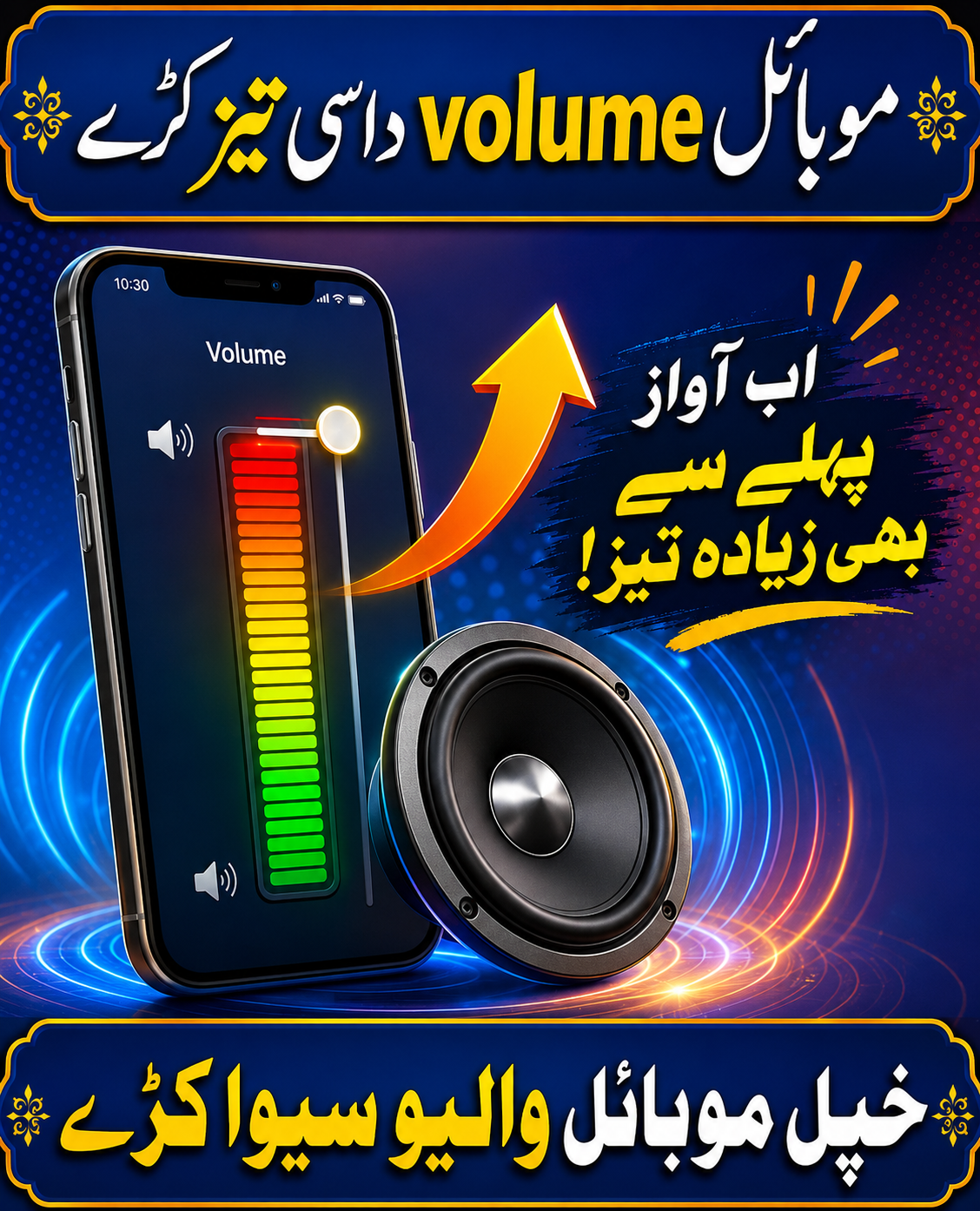
Volume Booster App – Complete Guide to Increase Mobile Sound Safely
Introduction
Many smartphone users feel that their phone’s speaker or headphone volume is too low while listening to music, watching videos, playing games, or making calls. A Volume Booster App is designed to enhance your device’s audio output, giving you a louder and clearer sound experience.
Whether you’re using Bluetooth speakers, wired earphones, or your phone’s built-in speaker, a volume booster app can help improve audio quality. However, it’s important to use these apps responsibly, as excessively high volume may cause speaker distortion or even damage over time.
What is a Volume Booster App?
A Volume Booster App is an Android utility application that increases your device’s audio output beyond the default system volume (where supported). It uses software-based audio enhancement techniques such as equalization, gain adjustment, and sound amplification to make audio louder.
Most volume booster apps support:
- Music playback
- Video streaming
- Gaming audio
- Phone calls (limited on some devices)
- Bluetooth speakers
- Wired headphones
Key Features of Volume Booster App
1. Sound Amplification
Increase speaker and headphone volume beyond the normal system level for a louder listening experience.
2. Bass Booster
Enhance low-frequency sounds to make music richer and more powerful.
3. Equalizer
Customize audio with presets such as:
- Bass Boost
- Pop
- Rock
- Jazz
- Classical
- Vocal
- Custom Mode
4. Volume Control
Adjust separate volume levels for:
- Media
- Notifications
- Alarms
- Ringtones
- Voice calls (device dependent)
5. Bluetooth Audio Booster
Improve the sound quality of Bluetooth headphones and speakers.
6. Music Player Integration
Many apps work seamlessly with popular music streaming apps and local audio players.
7. User-Friendly Interface
Simple controls allow users to boost volume with just one tap.
How Volume Booster Works
The app processes audio before it reaches your speaker or headphones.
It may:
- Increase audio gain
- Adjust equalizer frequencies
- Boost bass
- Enhance clarity
- Optimize sound output
Actual results vary depending on your phone model, Android version, and hardware limitations.
Benefits of Using Volume Booster
Louder Audio
Enjoy higher sound levels while listening to music or watching videos.
Better Music Experience
Enhanced bass and clearer vocals improve overall audio quality.
Improved Gaming
Hear in-game sounds more clearly for a more immersive experience.
Enhanced Video Playback
Movies and online videos become easier to hear, especially in noisy environments.
Easy to Use
Most apps require just one tap to activate sound enhancement.
How to Download Volume Booster
Step 1
Open the Google Play Store.
Step 2
Search for Volume Booster.
Step 3
Choose a trusted app with good ratings.
Step 4
Tap Install.
Step 5
Open the app and grant the necessary permissions.
How to Use Volume Booster
- Open the app.
- Connect headphones or use your phone speaker.
- Increase the boost gradually.
- Adjust the equalizer if needed.
- Enjoy louder and clearer sound.
Advantages of Volume Booster
- Easy to use
- Louder sound output
- Bass enhancement
- Equalizer support
- Works with music and videos
- Lightweight application
- Compatible with Bluetooth devices
- Free versions available
Disadvantages of Volume Booster
- Very high volume may distort audio.
- Excessive boosting can damage speakers over time.
- Battery usage may increase slightly.
- Some features require Premium access.
- Performance varies between devices.
Tips for Best Results
- Increase the boost gradually instead of setting it to maximum.
- Use good-quality headphones or speakers.
- Avoid listening at maximum volume for long periods.
- Keep the app updated.
- Use equalizer presets for better sound quality.
Common Problems Solved
Low Speaker Volume
Boosts overall media sound.
Quiet Headphones
Improves headphone audio output.
Weak Bass
Enhances low-frequency sounds for richer music.
Low Bluetooth Volume
Increases Bluetooth speaker and headphone loudness.
Who Should Use Volume Booster?
A Volume Booster app is suitable for:
- Music lovers
- Gamers
- Movie enthusiasts
- Students
- Travelers
- Anyone who wants louder audio on their Android device
Safety Tips
To protect your hearing and your device:
- Avoid using maximum volume for extended periods.
- Lower the boost if you hear crackling or distortion.
- Remember that software cannot exceed your phone’s hardware limits without trade-offs.
Conclusion
A Volume Booster App is a useful tool for improving your smartphone’s audio experience. With features like sound amplification, bass boost, equalizer presets, and Bluetooth audio enhancement, it can make music, videos, games, and calls sound louder and clearer.
For the best experience, use volume boosting responsibly and avoid excessive amplification that could affect sound quality or hardware. When used correctly, a volume booster app can significantly enhance your everyday listening experience.